
Gemini Image Prompts (Nano Banana)
Copy-ready Gemini AI photo prompts for Nano Banana: festive, seasonal and cinematic portraits from your own photo. One tap copies the prompt and opens Gemini.
 By PankajUpdated
Gemini’s Nano Banana image model made AI photo editing popular almost overnight, from saree portraits and retro film looks to festive scenes. The trick is a prompt that changes the outfit and setting but keeps your face. This page collects every Gemini image prompt we have published, ready to copy. Each one asks Gemini to keep your face exactly as it is and only change the outfit, setting and light.
Tap the Gemini button under any prompt to copy it and open Gemini. New prompts appear on this page automatically as soon as we publish them.
All Gemini image prompts
Misty Mountain Hoodie
Use my uploaded photo and keep my face, beard, hairstyle and skin tone exactly the same. Create a vertical 3:4 photo of me standing on a winding hill road with pine trees and thick morning fog behind me. I wear an oversized charcoal grey hoodie under an olive puffer vest, black joggers and white sneakers, hands in the hoodie pocket, looking slightly away from the camera. Cold blue-grey tones, soft diffused light, a little breath vapour in the air, 50mm lens, photorealistic, no text.
Bonfire Night
Use the uploaded photo and keep my face and hairstyle the same. Show me sitting on a log beside a crackling bonfire on a cold winter night in the hills, wearing a red and black checked flannel shirt over a black thermal, a dark beanie and a wool blanket over one shoulder. The fire lights my face with a warm orange glow, sparks rise into the dark sky and pine trees stand behind me. Relaxed, thoughtful expression, 85mm lens, vertical 3:4, photorealistic.
Pheran in the Snow
Keep my face, beard and features from the uploaded photo unchanged. Show me standing in a snowy valley in Kashmir, wearing a traditional wool pheran in deep maroon with fine embroidery around the neck, and a grey woollen cap. Snow-covered pine trees and white mountains behind me, light snowfall. I am holding a small cup of kahwa and smiling. Bright, soft winter light, crisp colours, 50mm lens, vertical 3:4, photorealistic.
How to use these prompts in Gemini (Nano Banana)
Nano Banana is the name people use for Google Gemini’s image model, which can edit a photo you upload while keeping your face recognisable. Gemini does not accept a prompt through a link, so the Gemini button copies the prompt and opens the app for you.
On your phone or computer
- Tap the Gemini button under any prompt. The prompt is copied and Gemini opens.
- Tap + and upload one clear photo of yourself.
- Long-press or click in the message box, paste the prompt and send it.
Making changes
- Reply with one change at a time, such as “make the saree emerald green” or “keep my face exactly the same”.
- If the face drifts after several edits, start a new chat with the original photo.
- Download the image when you are happy with it.
Popular Gemini photo ideas
These are the Gemini edits people ask for most.
Saree and ethnic portraits
Chiffon and silk sarees, lehengas and kurtas in golden-hour or heritage settings.
Retro and vintage looks
90s film stills, black-and-white classics and grainy film-camera portraits.
Festival scenes
Diwali, Holi, Navratri, Karwa Chauth and Christmas with matching outfits and decor.
Winter and travel
Snowy streets, mountain cafés and cosy fireplaces without leaving home.
Group and couple edits
Gemini can combine several uploaded photos, so you can create couple and family portraits.
Tips for better Gemini images
Keeping your face the same
Keep the face instruction
Every prompt here asks Gemini to keep your face, features and skin tone unchanged. Keep that line when you edit a prompt.
Start fresh if it drifts
After many edits in one chat the face can slowly change. A new chat with the original photo resets it.
Getting the details right
Describe colours and fabrics
“Emerald green silk saree with a gold border” gives a far better result than “green saree”.
Ask for the shape you need
Add “portrait 4:5” for Instagram or “vertical 9:16” for stories and status updates.
Gemini prompts by festival and people
Browse Gemini-ready prompts for girls, boys, couples and festivals such as Diwali and Navratri. Prefer another app? See our ChatGPT prompts and Grok prompts.
Latest Gemini prompt posts
 Chhath PujaChhath Puja Image Prompts (2026): 8 Arghya and Ghat Look Photos
 WinterWinter Image Prompts for Girls (2026): 8 Snow, Café and Shawl Looks
 ChristmasChristmas Couple Image Prompts (2026): 8 Cozy and Romantic Ideas
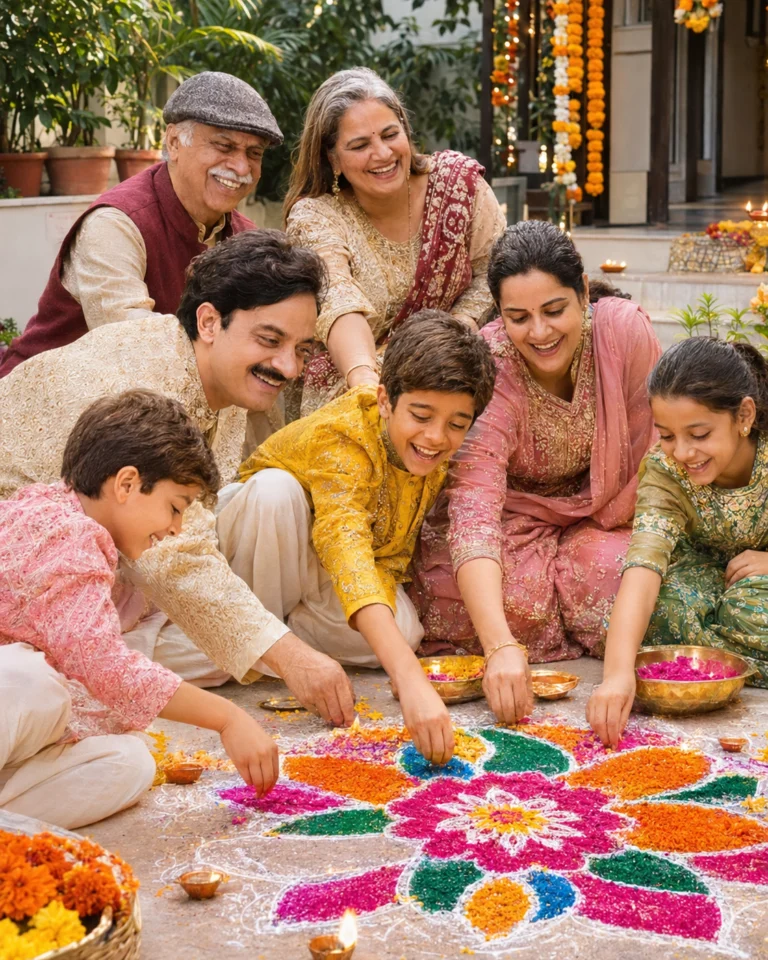 DiwaliDiwali Family Photo Prompts (2026): 8 Ideas for Parents, Kids & Grandparents
 DiwaliDiwali Couple Photo Prompts (2026): 8 Romantic Looks for Couples
 DiwaliDiwali Photo Prompts for Boys (2026): 8 Kurta & Sherwani Looks That Keep Your Face